
The $25,000 Hour: How to Use AI and MeetCalc to Stop Burning Money in Meetings
Meetings are the silent killer of productivity. Discover how to combine MeetCalc with AI to visualize hidden costs and automate better meeting hygiene.

This post may contain affiliate links. If you make a purchase through these links, we may earn a commission at no additional cost to you.
By the MeetCalc Team
Key Takeaways
- The Invisible Drain: A single weekly “sync” can cost a company over $100,000 a year in lost productivity.
- The Solution: MeetCalc makes these costs visible in real-time.
- The AI Upgrade: By using our new
llms.txtstandard, you can turn ChatGPT, Claude, or Cursor into a “Meeting Guardian” that audits your calendar before you even send an invite.- Action: Copy our “System Instructions” below to automate your meeting hygiene.
Imagine walking into a conference room and seeing a pile of cash on the table—$500, $1,000, maybe even $5,000—being set on fire, bill by bill, every minute you sit there. You would scramble to put it out. You certainly wouldn’t lean back, open your laptop, and check your email while it burned.
Yet, this is exactly what happens in corporations every day. We call it “The Weekly Sync.”
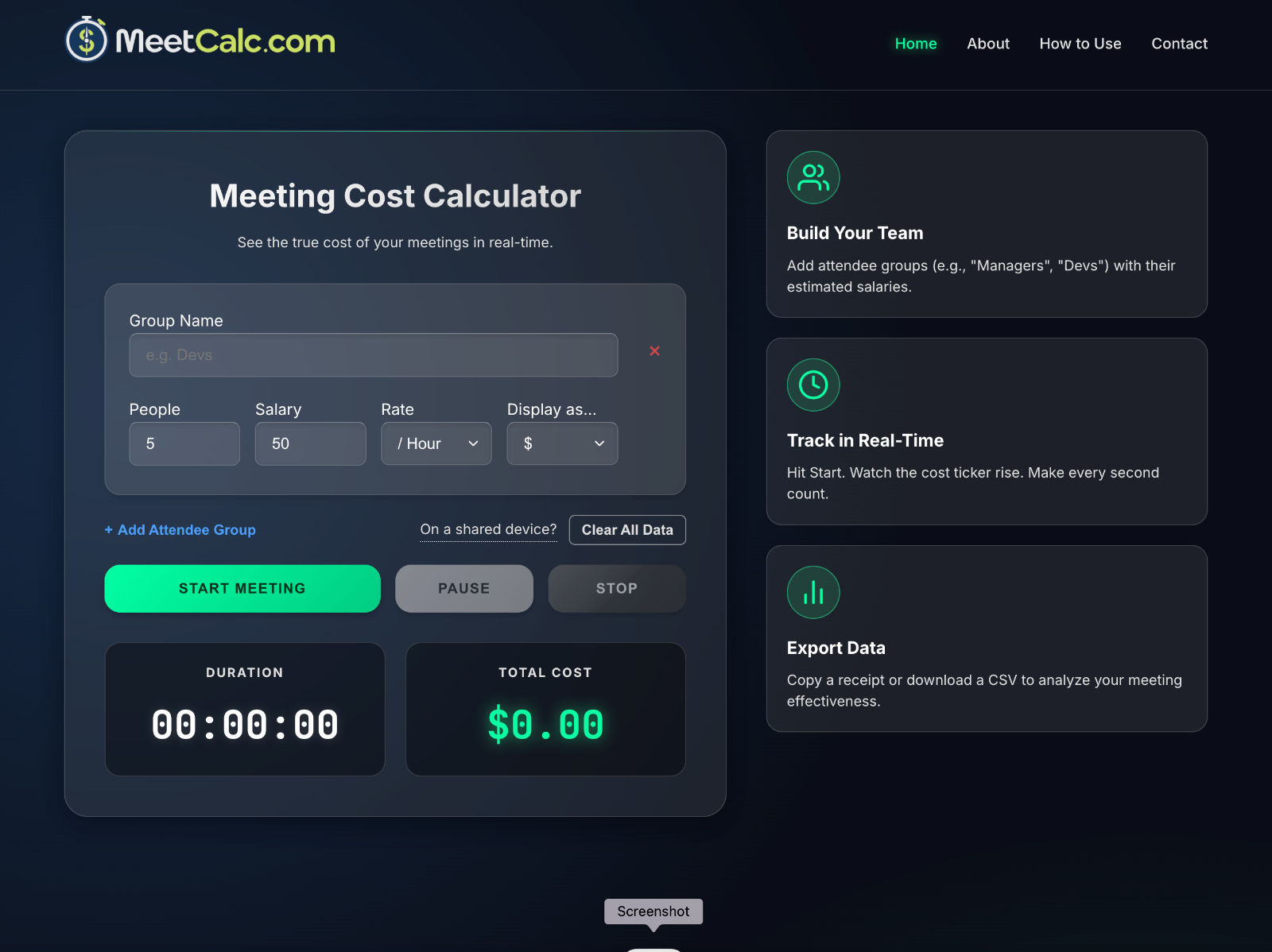
Inefficient meetings are the silent killer of modern productivity. They don’t show up on a balance sheet as “Waste,” but they bleed resources just the same. At MeetCalc, our mission is to make the abstract cost of a meeting tangible. We provide the “Taxi Meter” for your conference room.
But today, we are taking it a step further. We are giving you the keys to automate this awareness using Artificial Intelligence. By leveraging the new llms.txt standard, you can train your AI assistant to be the “bad cop” of your calendar, ensuring no meeting gets booked without a price tag attached.
Here is your definitive guide to using MeetCalc with AI.
Part 1: The Context – Why Your AI Needs a Map
Before we dive into the prompts, we need to explain how this works. Usually, when you ask ChatGPT to “help me plan a meeting,” it hallucinates generic advice. It doesn’t know your specific philosophy on costs, nor does it have a calculator handy.
We fixed that by implementing a cutting-edge standard called llms.txt.
What is llms.txt?
Think of your website as a library. For a human, it’s organized with colorful signs, hallways, and helpful librarians (your navigation bar). But for an AI (like a Large Language Model), a modern website is a messy labyrinth of HTML code, pop-ups, and Javascript.
llms.txt is a “Cheat Sheet” we placed at the root of our website (meetcalc.com/llms.txt). It strips away the design and gives the AI a pure, text-based map of our tools and philosophy.
The result? When you point an AI tool like Cursor or Claude at our site, it doesn’t just “guess” what MeetCalc is. It instantly ingests our exact cost formulas, our mission statement, and our meeting hygiene rules. It “learns” our brain in milliseconds.
Part 2: The Core Mechanics – 3 Ways to Deploy Your AI “Meeting Guardian”
We have designed three specific “System Instructions” (or “Cursor Rules”) based on the MeetCalc data. You can copy-paste these directly into your AI tool of choice to transform how you schedule.
Strategy 1: The “Sticker Shock” Projector
The biggest problem with meetings is that the cost is hidden until after the meeting is over. We want to move that pain to the beginning—before the invite is even sent.
The Concept: You act as the reckless spender; the AI acts as the frugal CFO. Every time you propose a meeting time, the AI calculates the burn rate using the MeetCalc formula: (People * Hourly Rate) / 3600.
How to Execute: Give your AI this instruction:
“Whenever I draft a meeting agenda or calendar invite, calculate the projected cost immediately using the MeetCalc formula found at
meetcalc.com/llms-full.txt. Assume an average salary of $70/hr (or ask me for one) if not specified. Display the cost in bold at the top of your response.”
Make It a Habit: Pin this prompt to your “Custom Instructions” in ChatGPT or your “Rules” in Cursor. Now, every time you type “Draft an invite for the Q3 review,” the AI will reply: “💰 WARNING: Estimated Cost $1,200.”
Pro-Tip: Don’t just look at the cost per meeting. Ask the AI to “Annualize this cost if we hold this meeting weekly.” Seeing a $1,200 meeting turn into a $62,400 annual line item usually kills the recurring invite immediately.
Strategy 2: The “Could This Be An Email?” Challenge
Our mission at MeetCalc isn’t just to measure meetings; it’s to reduce them. We believe in an “Async-First” culture. But old habits die hard. We often schedule meetings out of laziness because it’s easier to talk than to write.
The Concept: Use AI to challenge your own laziness. If a meeting is purely for “updates,” the AI should block it and demand you write a memo instead.
How to Execute: Give your AI this instruction:
“Before helping me draft an agenda, read the ‘About’ section in
meetcalc.com/llms-full.txt. Analyze my meeting goal. If the goal is purely ‘information sharing’, ‘status updates’, or ‘syncing’ (and not decision making), refuse to draft the agenda. Instead, suggest an asynchronous alternative format, like a Loom video structure or a bulleted email.”
Real-World Application: You ask: “Help me set up a 30-min sync for the 8-person dev team to update them on the server migration.” The AI responds: “I cannot do that. A 30-min sync for 8 people costs roughly $280 in salary and destroys 4 hours of deep work. Since this is an ‘update,’ here is a template for a Slack post instead…”
Make It a Habit: Use this specifically when you feel “too busy to write.” That is usually a sign you are about to waste everyone else’s time to save your own.
Strategy 3: The Hygiene Check
Sometimes, a meeting is necessary. In those cases, you need to ensure every second provides value. A vague agenda is a vampire on company time.
The Concept: The AI acts as a ruthless editor. It scans your agenda items and flags anything that looks like “unstructured chat.”
How to Execute: Give your AI this instruction:
“Review my agenda items against the ‘Hidden Costs’ section of
meetcalc.com/llms-full.txt. If an agenda item does not have a clear OWNER and a specific TIME SLOT (e.g., ’10 mins’), flag it as a risk. Ask me: ‘Are all attendees required for this specific item, or can some leave early?'”
Make It a Habit: Paste your rough agenda notes into the AI 5 minutes before the invite goes out. Let it tighten the screws.
Pro-Tip: Ask the AI to “Gamify” the agenda. “Based on the cost of $5 per minute, how much value does ‘Item 3: General Chit Chat’ need to generate to break even?”
Part 3: Privacy & The “Local” Advantage
A common myth about AI tools is that connecting them to external websites exposes your private data. We need to be clear about how MeetCalc works.
The Reality: When you use llms.txt, the AI is only reading our public documentation and our formulas. It is not reading your private meeting data unless you paste it into the chat window.
Furthermore, the MeetCalc tool itself (the calculator) is privacy-first.
- No Server Storage: All calculations happen 100% in your browser.
- No Database: We do not save your salary inputs or group names.
- No Tracking: Once you close the tab, that data vanishes.
This means you can use MeetCalc in highly secure corporate environments without fear of leaking payroll data. The AI “Meeting Guardian” works on general principles and math, not by spying on your calendar.
Conclusion: Stop Measuring Time; Start Measuring Value
For decades, we have managed our calendars based on “open slots.” If there was a blank space, we filled it.
This was a mistake.
We need to start managing our calendars like a budget. You wouldn’t let a stranger reach into your wallet and take $500 just because “you had the cash on you.” You shouldn’t let them take an hour of your 8-person team’s time just because “they were free at 2 PM.”
By combining the real-time visualization of MeetCalc with the automated guardianship of AI, you finally have the tools to protect your most valuable asset.
Ready to start?
- Go to MeetCalc.com.
- Open your AI tool (Cursor, Claude, ChatGPT).
- Paste the prompts above.
- Watch your productivity soar.
Further Reading:
- Stop the Meeting Madness (Harvard Business Review)
- The LLMs.txt Standard Specification (llmstxt.org)
- Shopify’s “Meeting Cost Calculator” Case Study (Business Insider)